


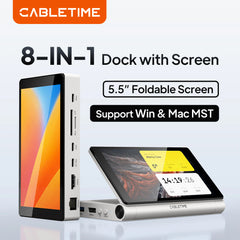

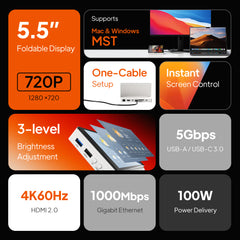


CABLETIME USB C Dock with Screen 5.5inch 720P Foldable Screen 5Gbps 4K@60Hz for Mac & Windows Laptop Monitor 8 IN 1 Dock Station
SPECIFICATIONSBrand Name: CABLETIMEChoice: yesCompatible PC Devices: LaptopCompatible Systems: Windows,MacOSFuntion: RJ45,HDMI-Compatible/Card Reader/RJ45,HDMI-Compatible,HDMI-Compatible/Card Reader,HDMI-Compatible/RJ45High-concerned chemical: NoneInterface Type: USB Type-CMaterial:...
- £102.08
£0.00- £102.08
- Unit price
- per
Please hurry! Only 56 left in stock
Limited-Time Offers, End in:
151D
8H
23M
0S
Subtotal:
£102.08
10 customers are viewing this product
Free Shipping
Free standard shipping on orders
Estimated to be delivered 6-9 Days.

Description
xSPECIFICATIONS
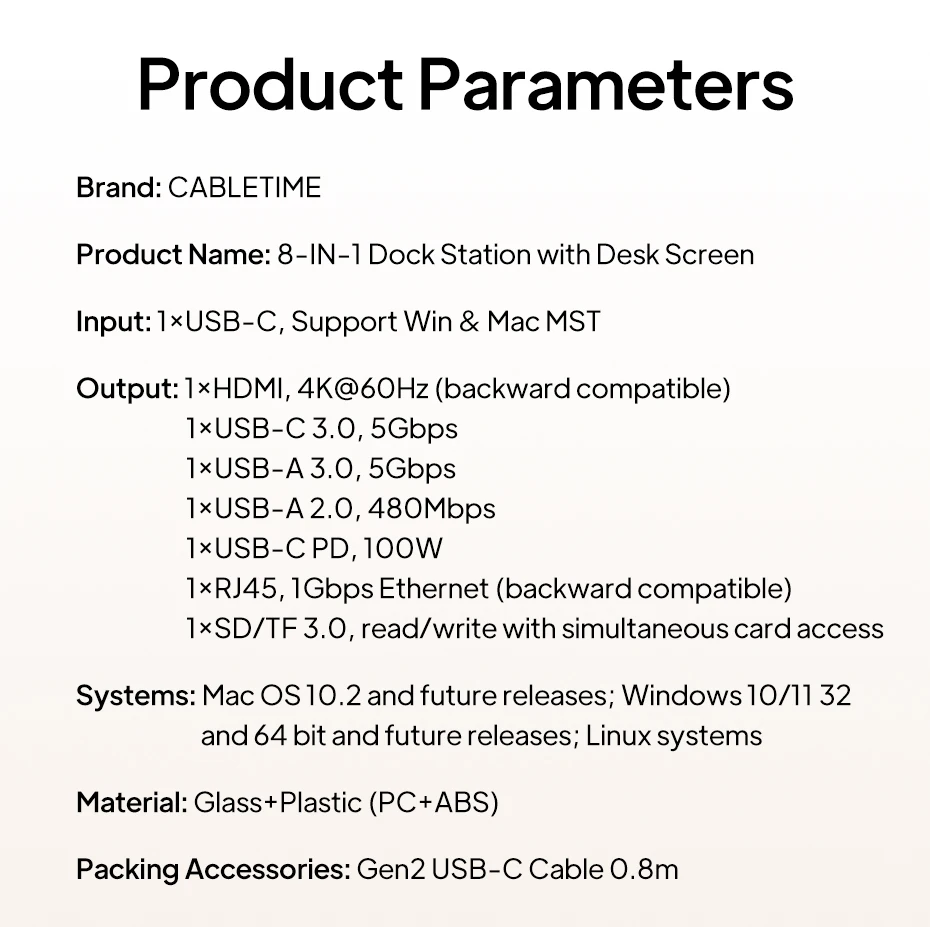
Brand Name: CABLETIME
Choice: yes
Compatible PC Devices: Laptop
Compatible Systems: Windows,MacOS
Funtion: RJ45,HDMI-Compatible/Card Reader/RJ45,HDMI-Compatible,HDMI-Compatible/Card Reader,HDMI-Compatible/RJ45
High-concerned chemical: None
Interface Type: USB Type-C
Material: Plastic
Origin: Mainland China
Package: Yes
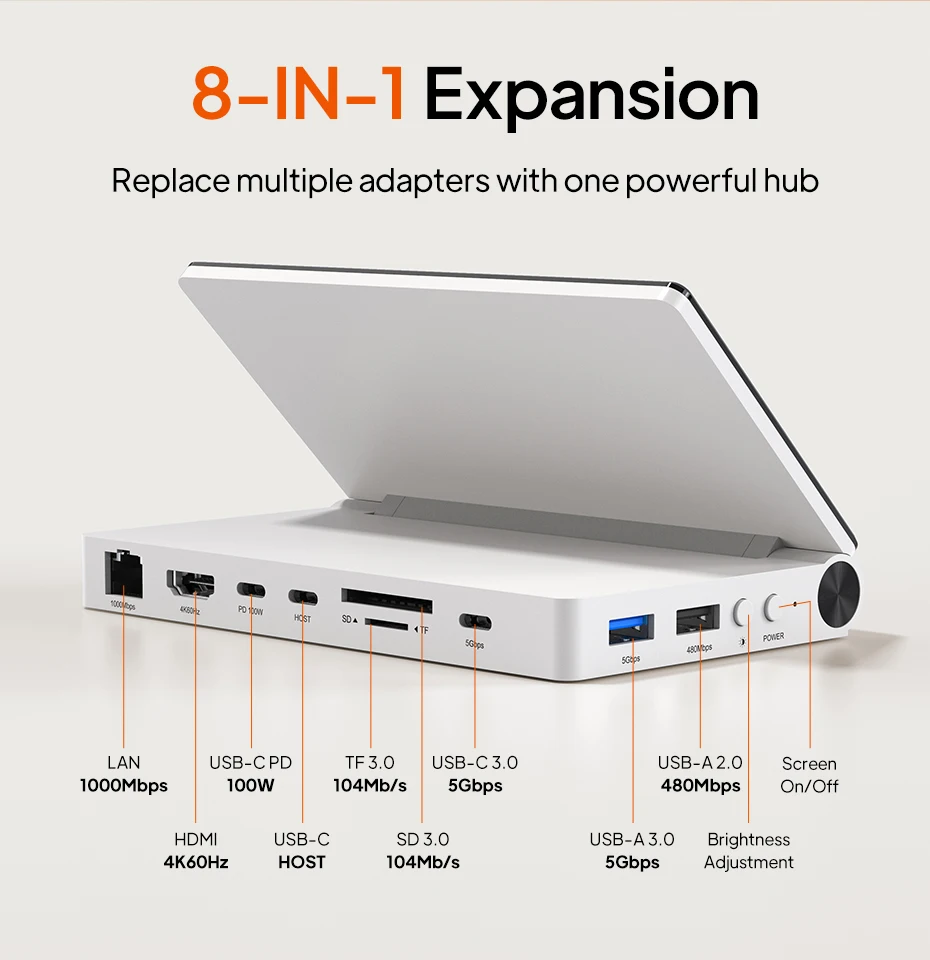
Ports: 8
semi_Choice: yes
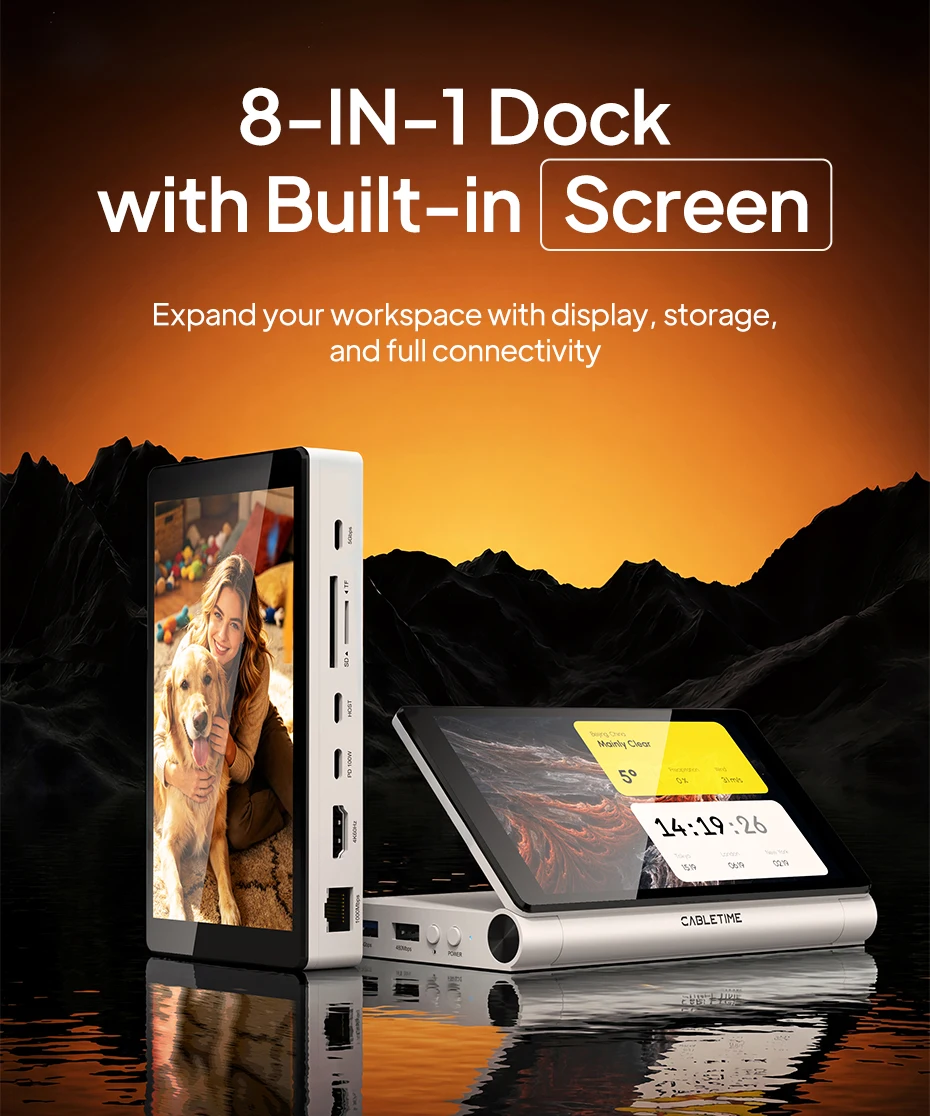
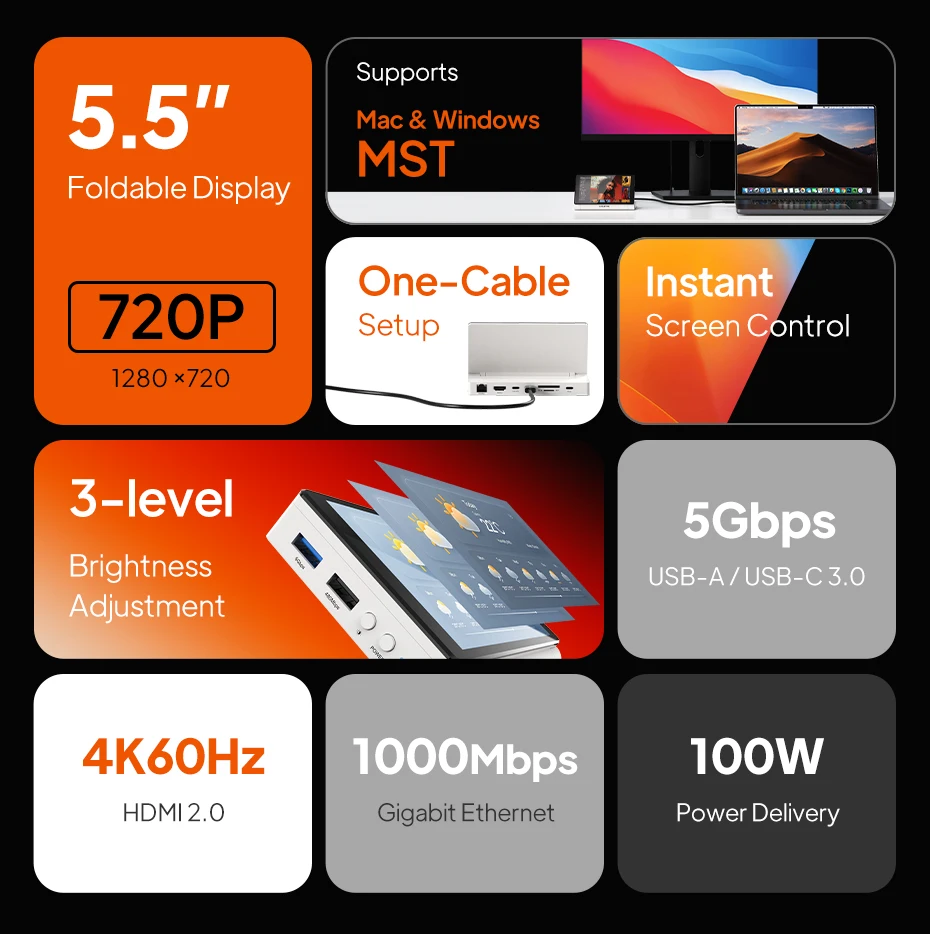
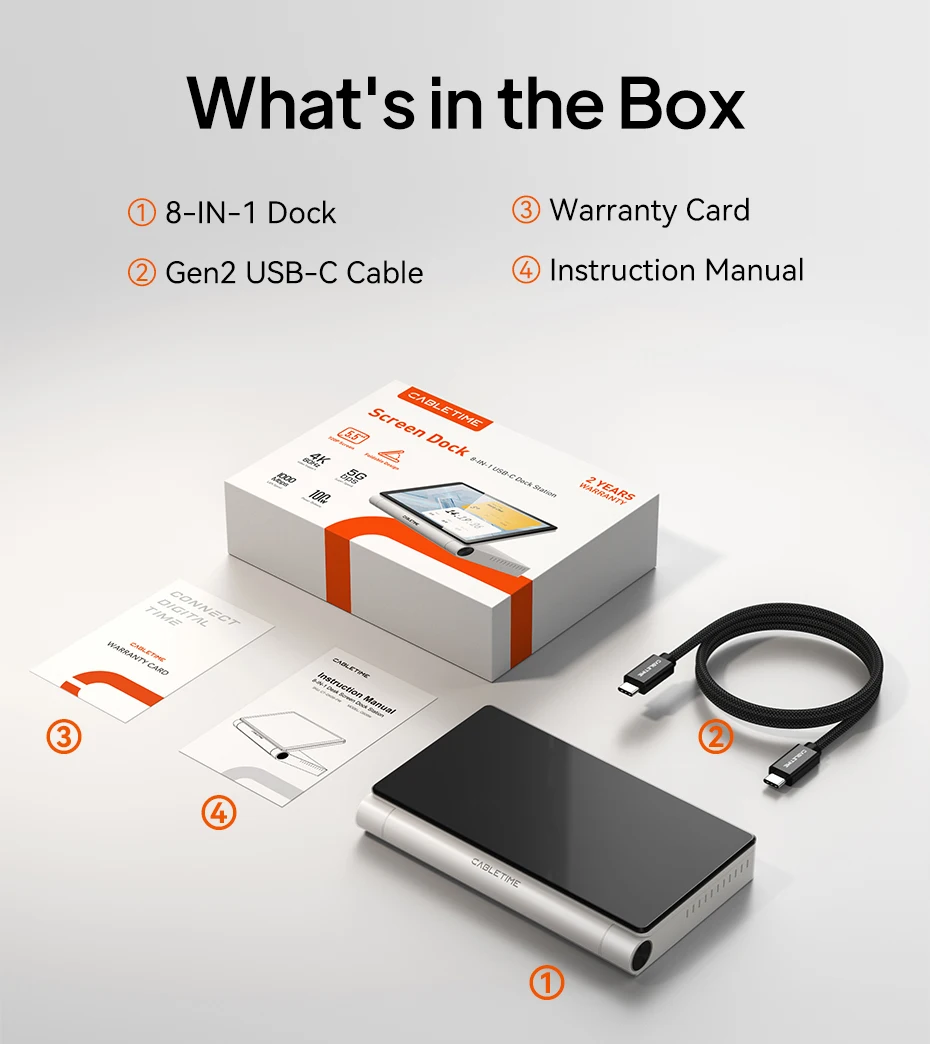
8-in-1 Dock with Built-in Screen
Expand your workspace with display, storage, and full connectivity.
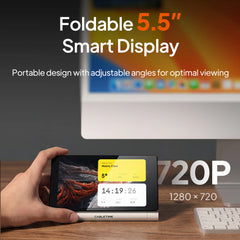
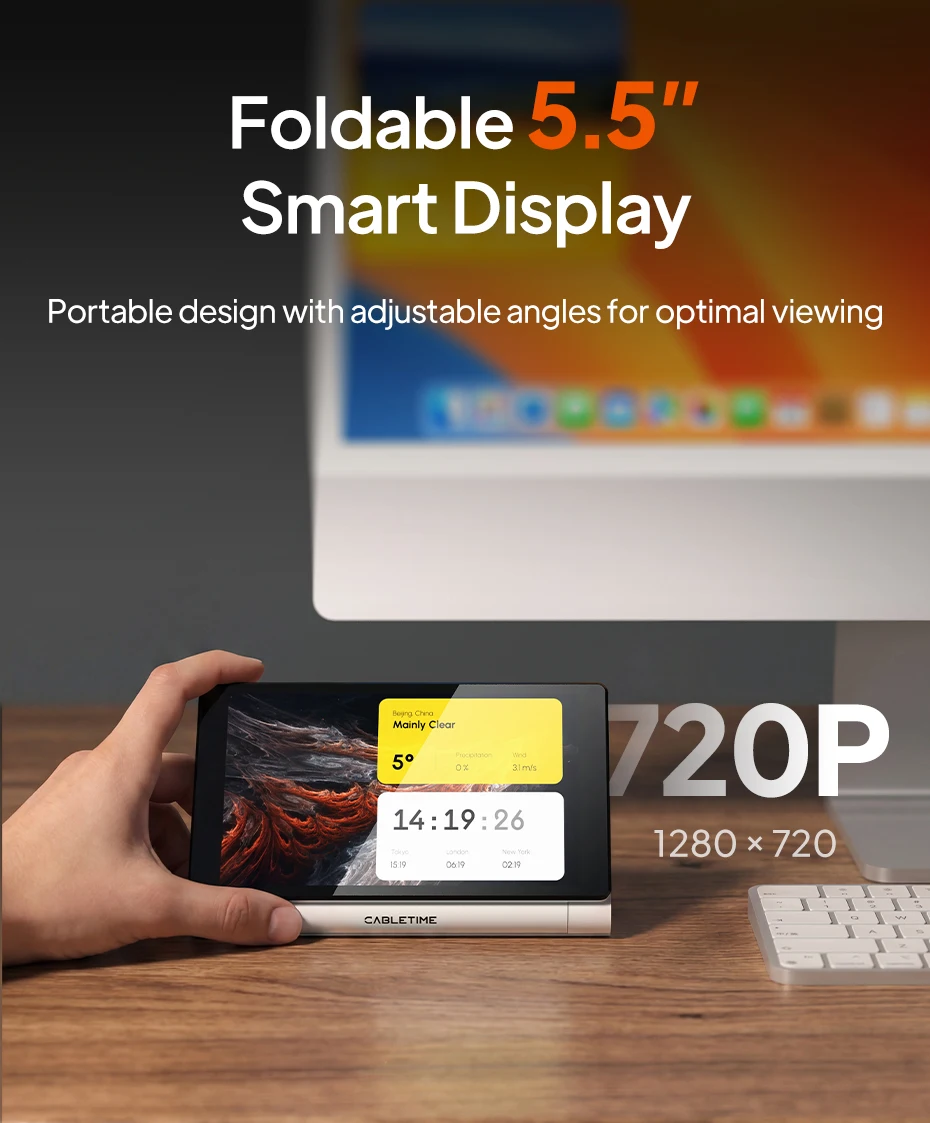
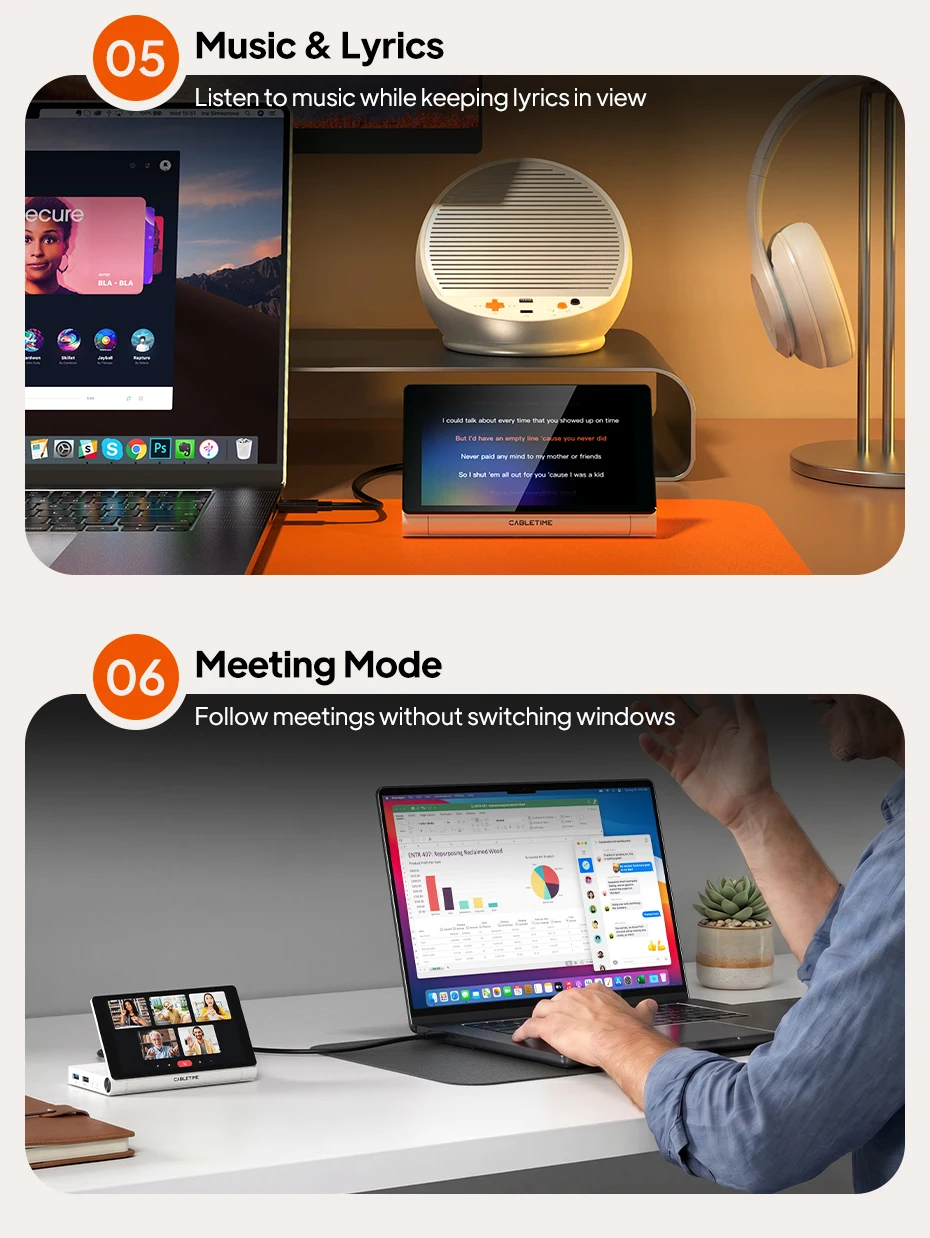
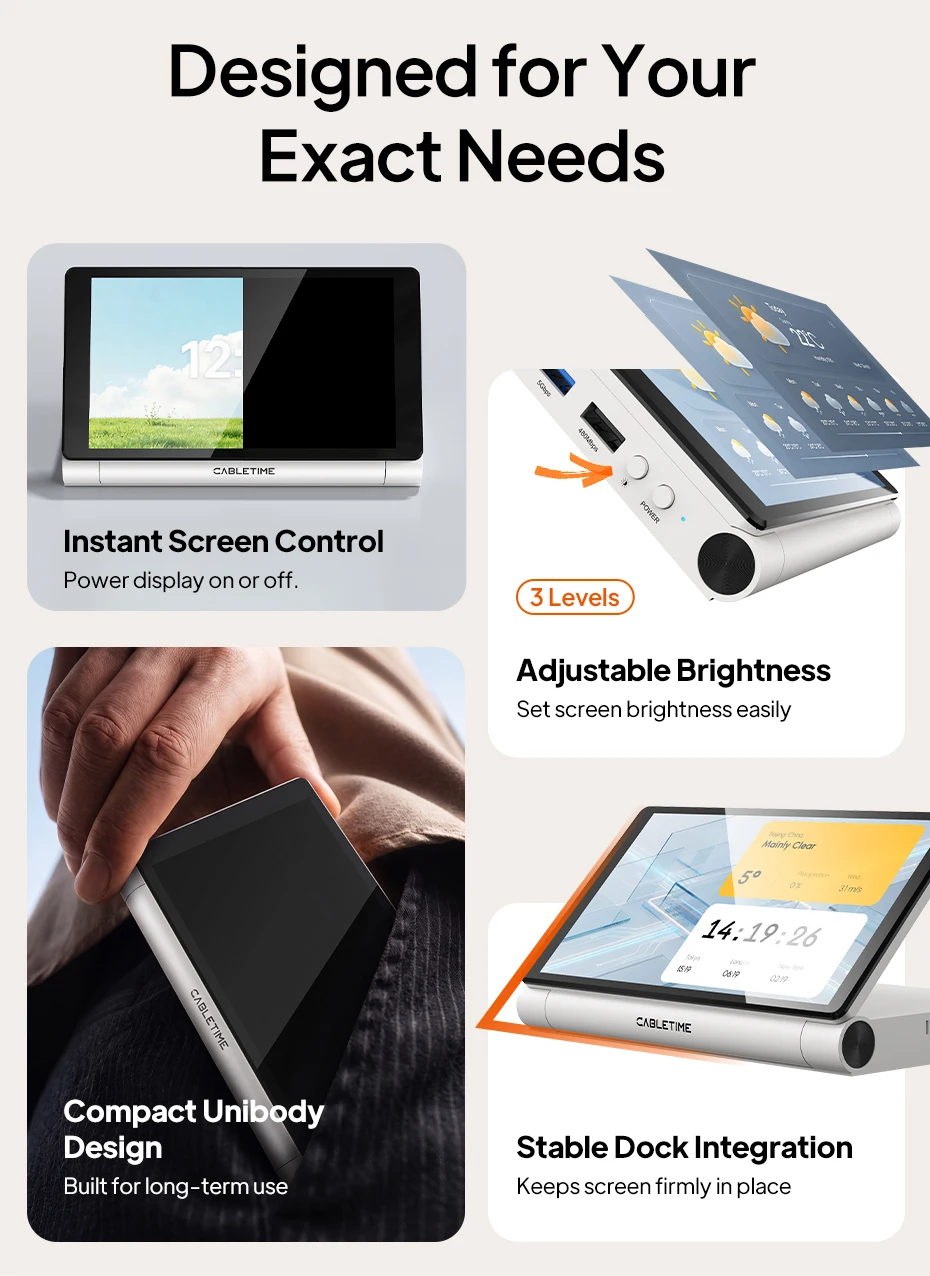
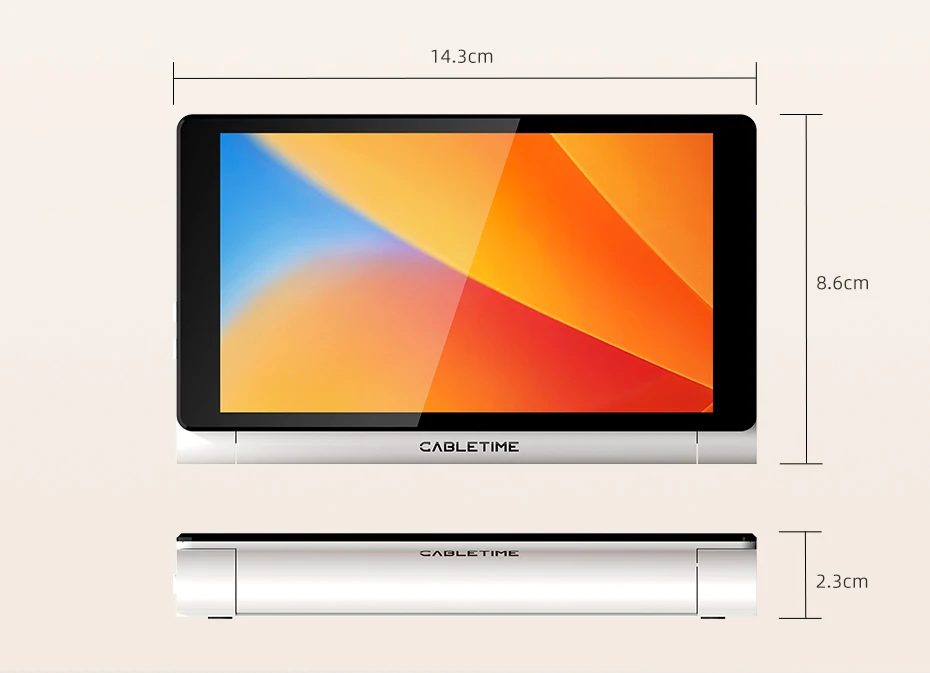
Foldable 5.5” Smart Display
Keep key system data visible in a compact, always-on display.
Stop Switching Between Windows
Keep essential information always visible on a dedicated screen.
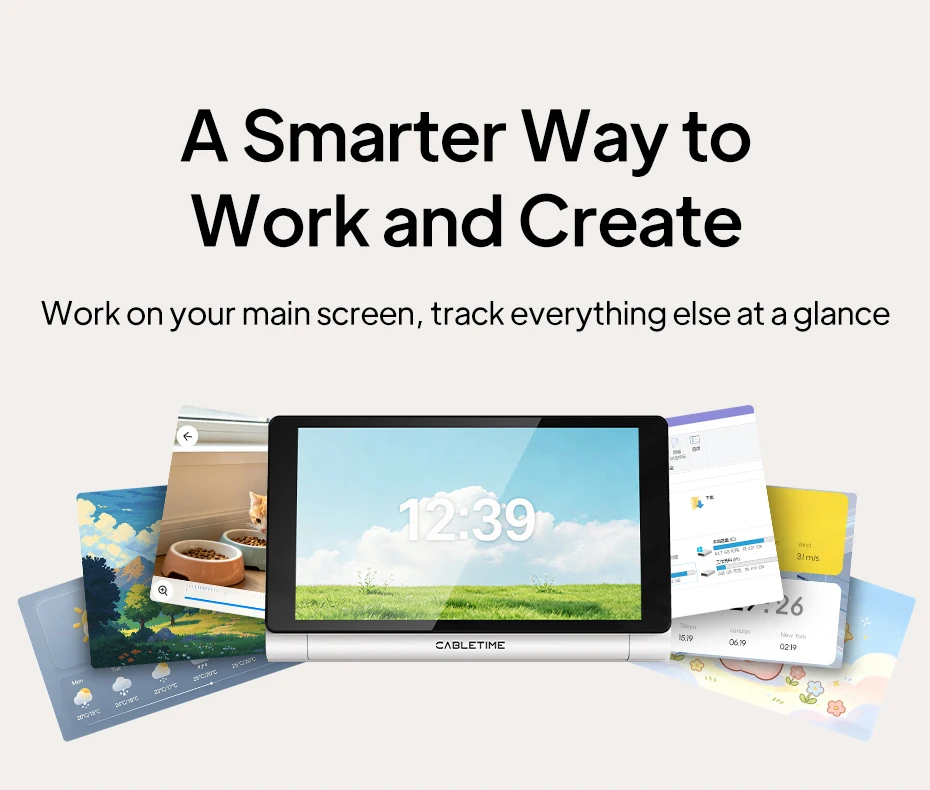
A Smarter Way to Work and Create
Work on your main screen, track everything else at a glance.
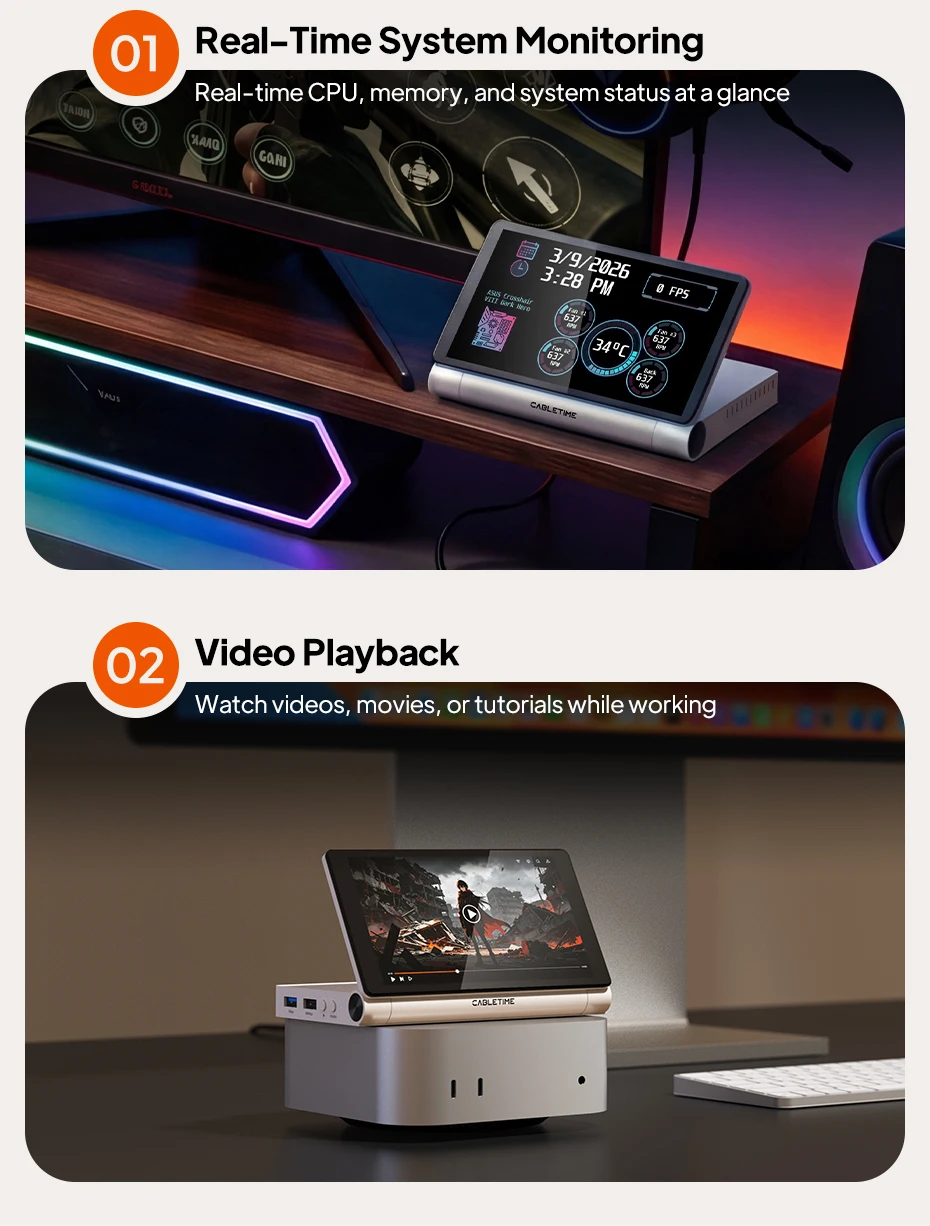
Real-Time System Monitoring
Real-time CPU, memory, and system status at a glance.
Video Playback
Watch videos, movies, or tutorials while working
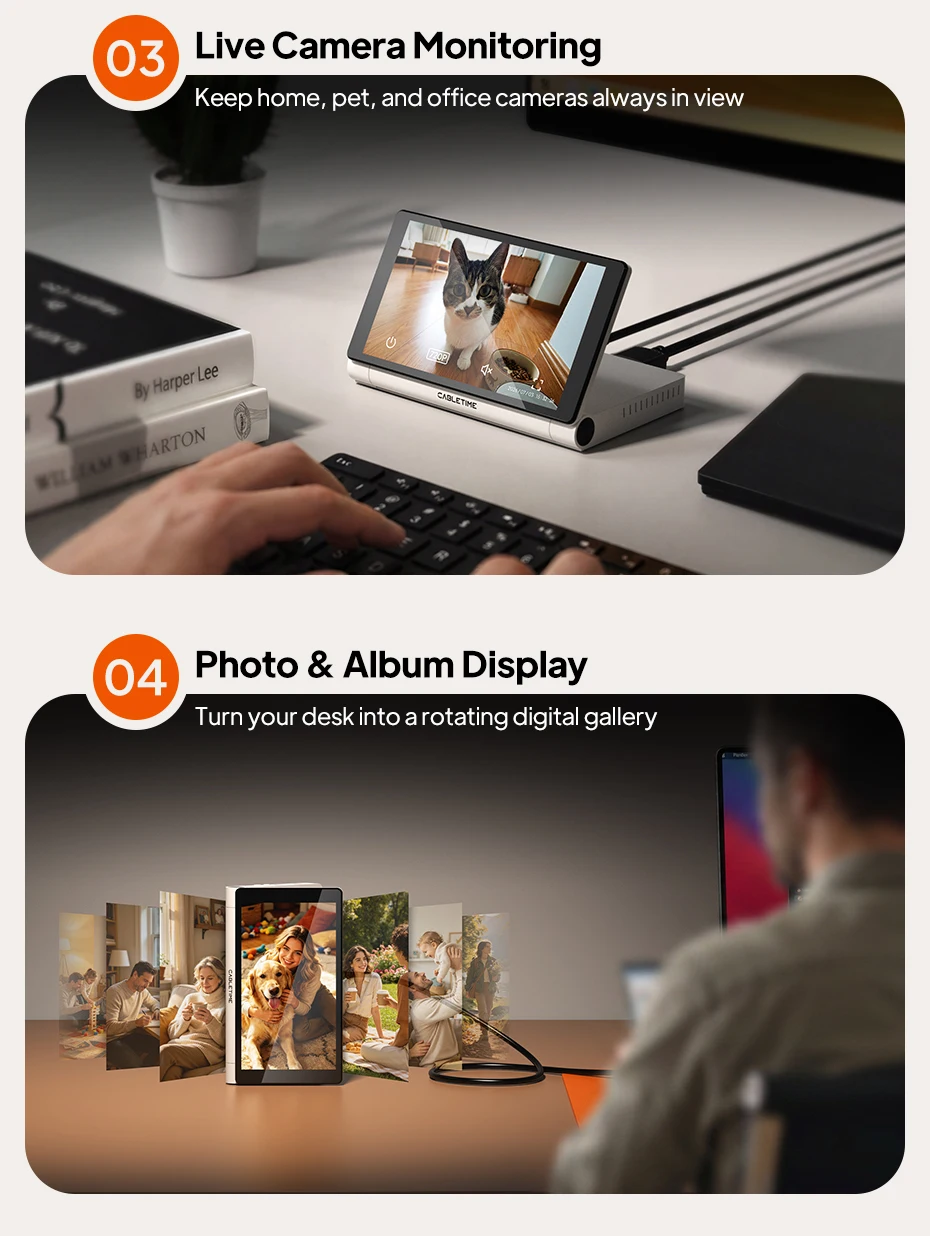
Live Camera Monitoring
Keep home, pet, and office cameras always in view.
Photo & Album Display
Turn your desk into a rotating digital gallery
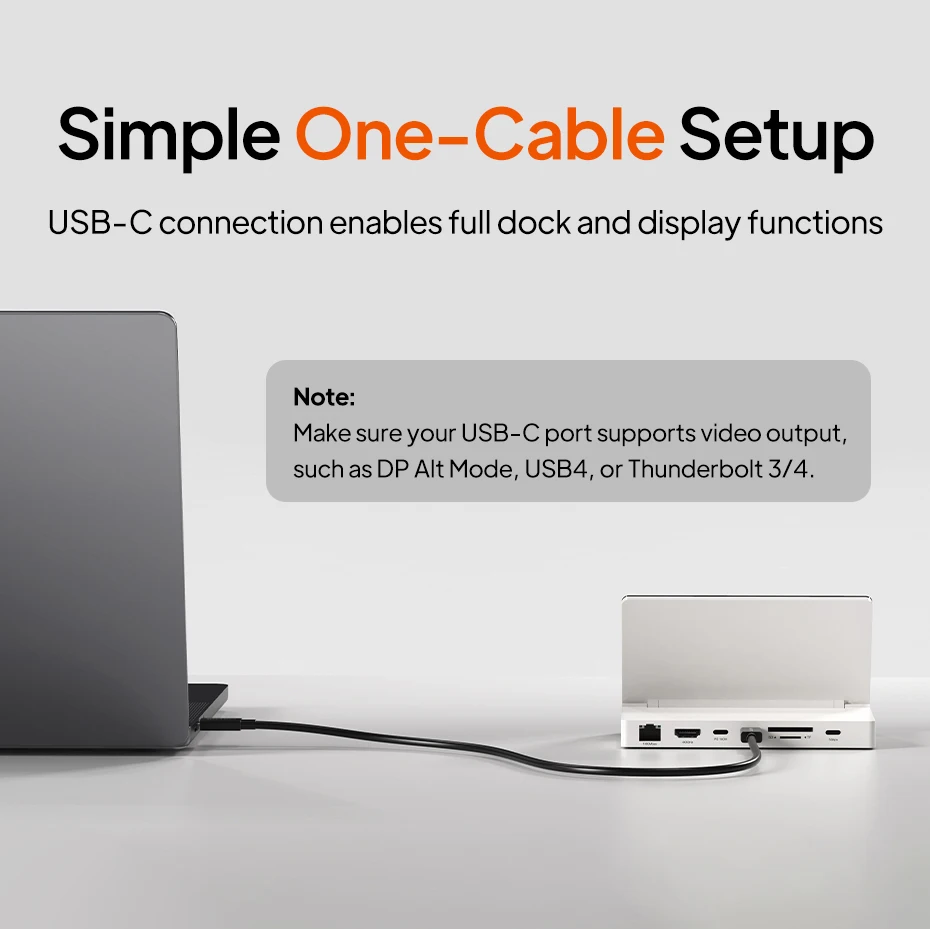
Simple One-Cable Setup
USB-C connection enables full dock and display functions.
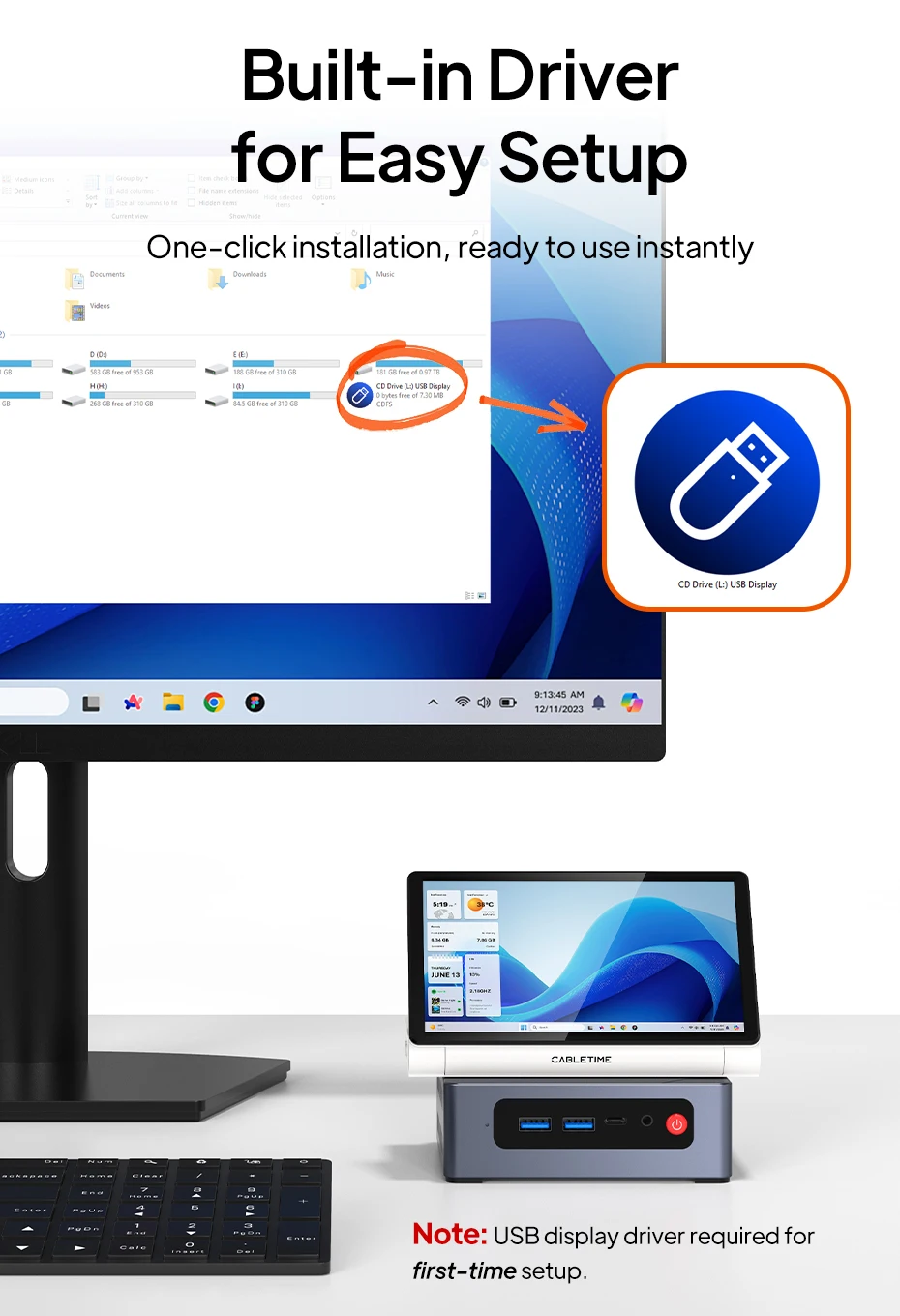
Note:USB display driver required for first-time setup.
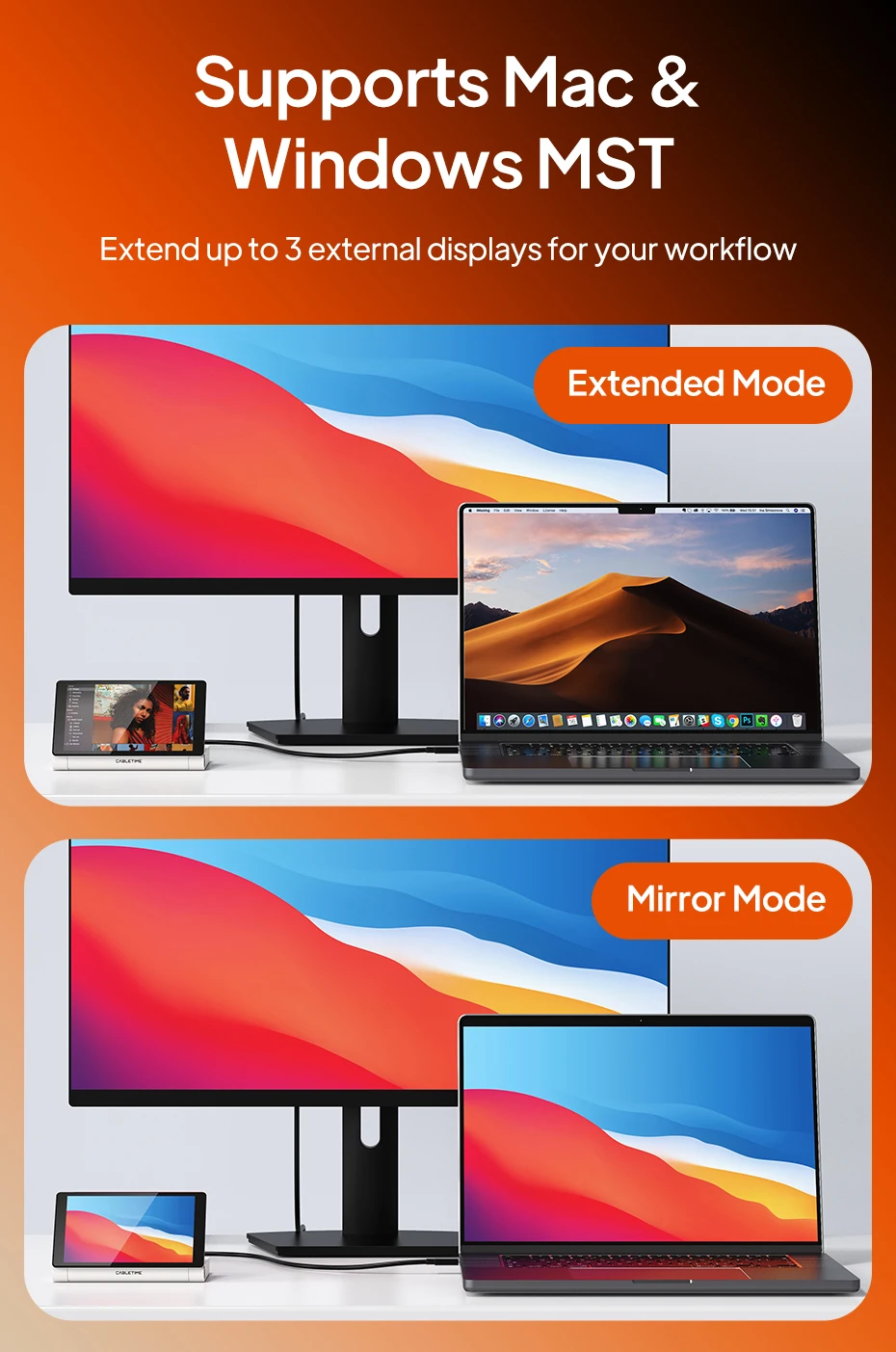
More Screens. More Ways to Work.
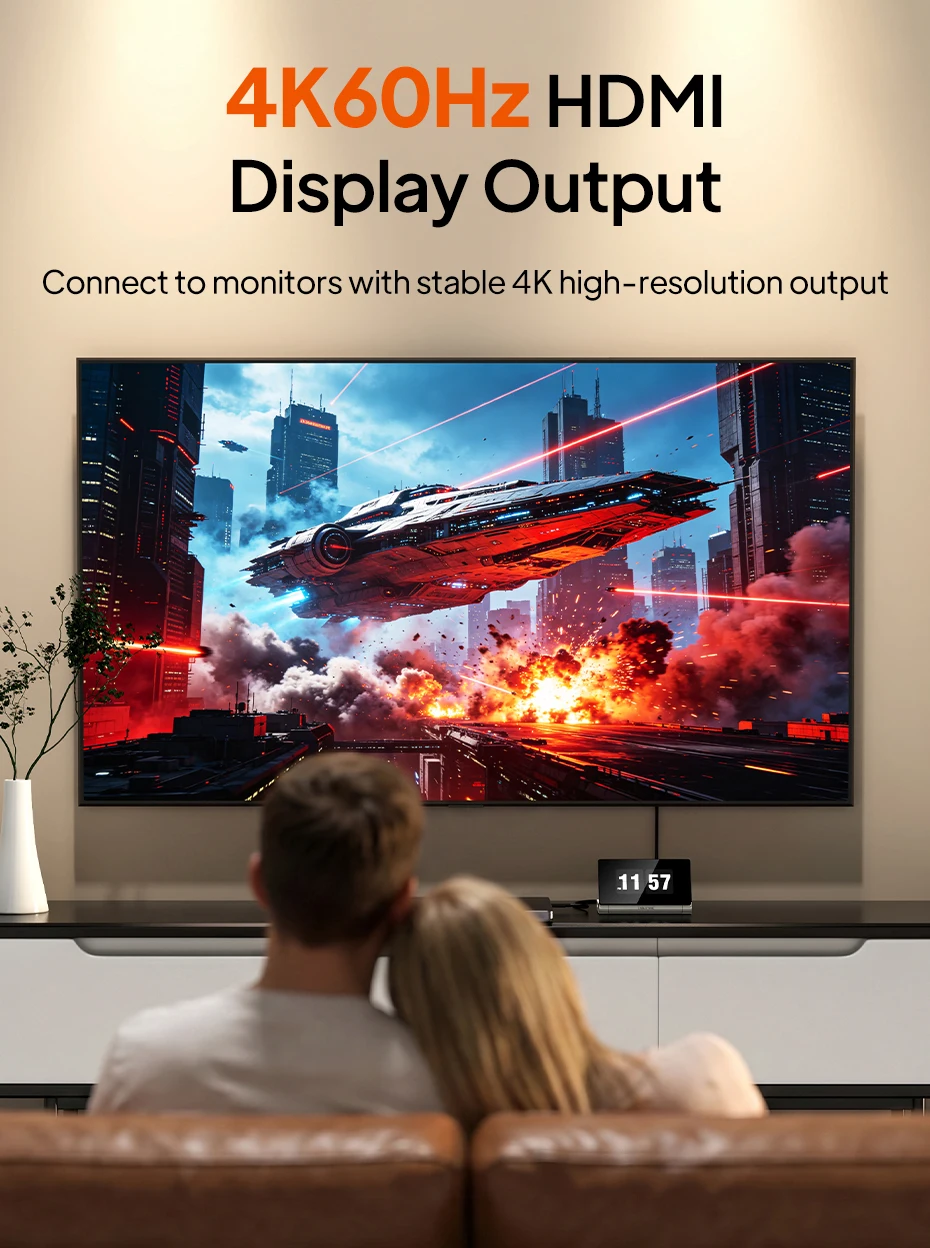
Turn your dock into a multi-display workspace. Connect an external monitor through HDMI and use the built-in 5.5" display as an additional screen. Extend your desktop to keep more apps visible, or mirror your content for presentations, entertainment, and everyday convenience.
One Dock. Everything Connected.
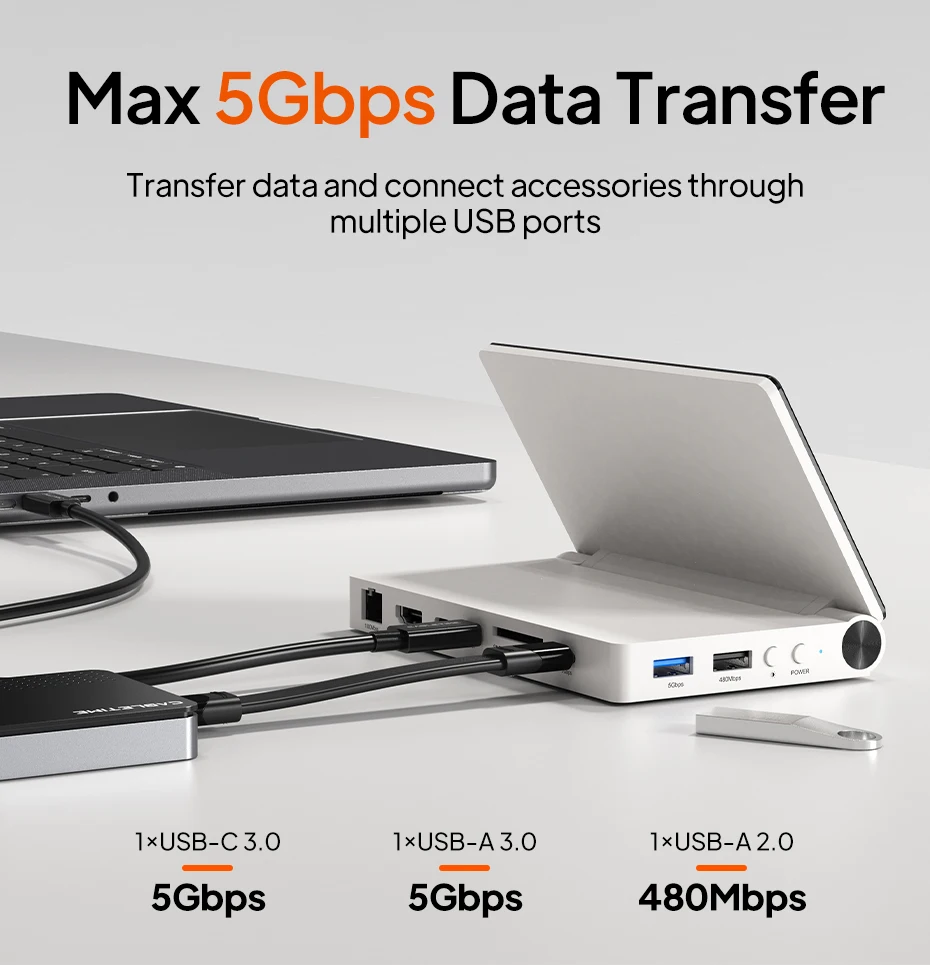
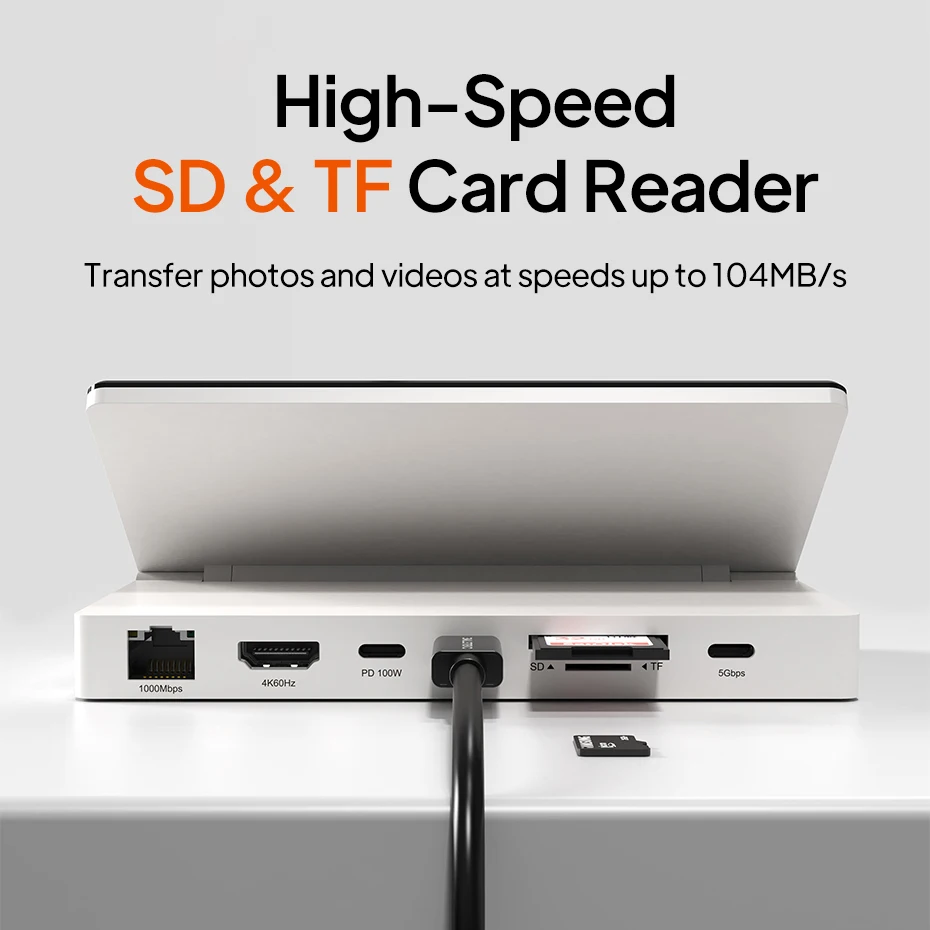
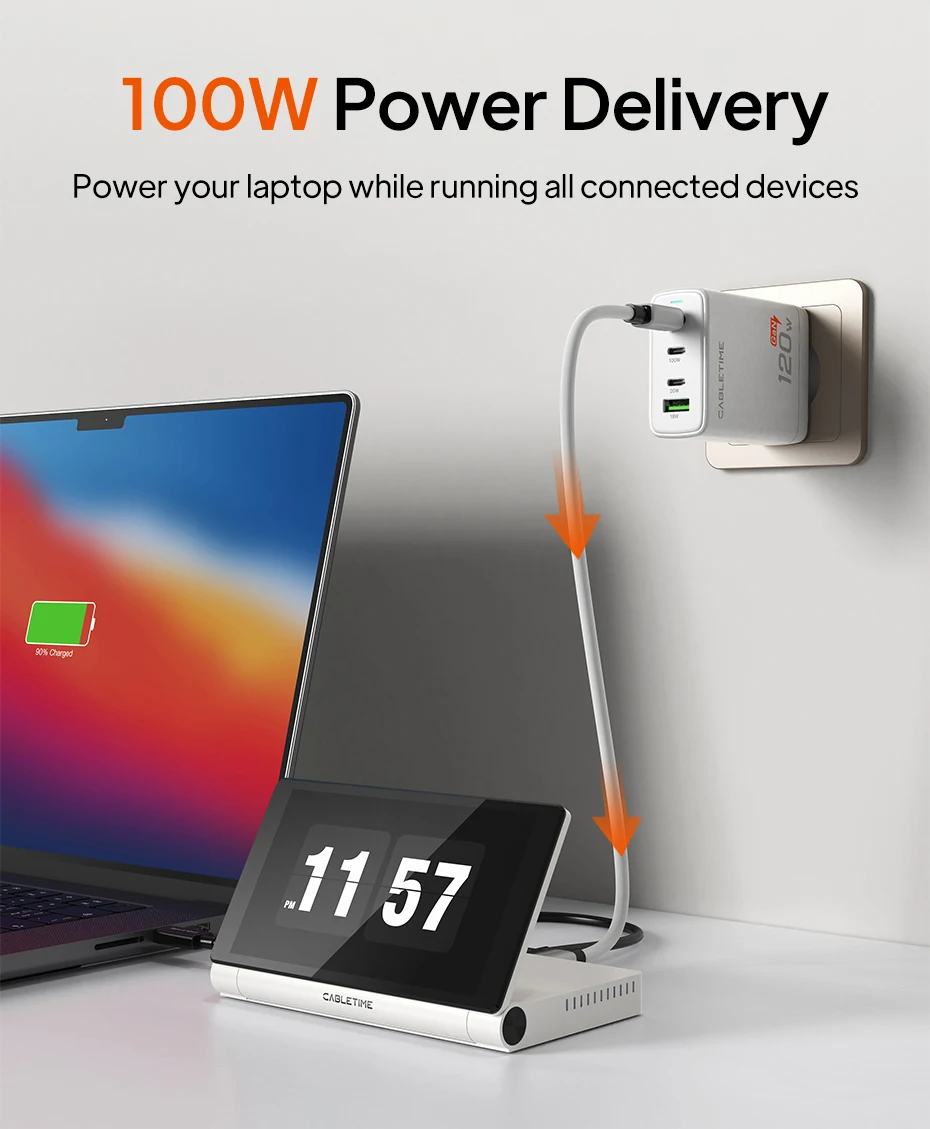
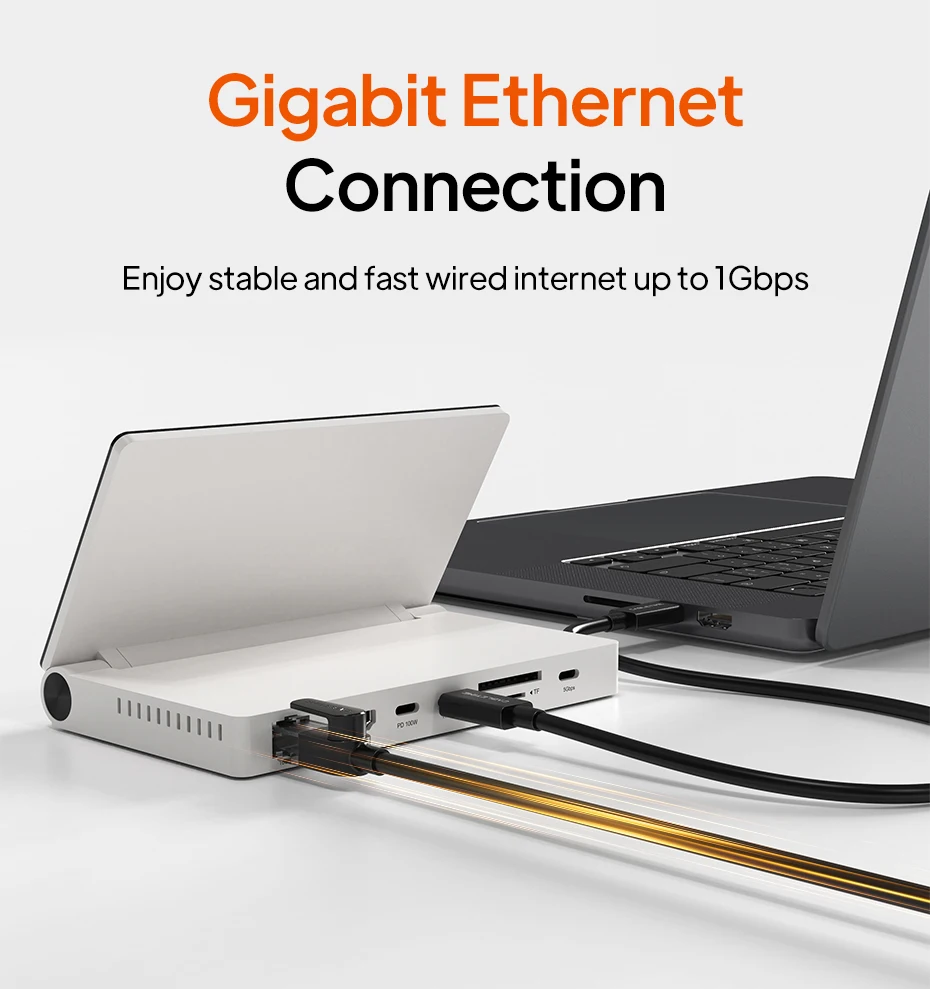
"Beyond the display, this docking station provides complete connectivity through one USB-C cable. Expand your laptop with HDMI 4K@60Hz, USB 5Gbps ports, SD/TF card readers, Gigabit Ethernet, and 100W Power Delivery while keeping your desk cleaner and more organized.Note:
Make sure your USB-C port supports video output,such as DP Alt Mode, USB4, or Thunderbolt 3/4."
Easy Setup Without the Guesswork
Setting up an extra display doesn't have to be complicated. The built-in driver storage provides quick access to the required software, helping you complete the first-time installation smoothly and start expanding your workspace with less effort.


Compare Color
Related Products
Recently Viewed Products
- Choosing a selection results in a full page refresh.