






VALDUS Air Band Smart Bracelet Man Woman Heart Rate Blood Pressure Calorie HRV Waterproof Long Battery Life NFC Fitness Tracker
SPECIFICATIONSActivity Tracked: Steps Tracker,Calorie Tracker,Activity TrackerApplication Age Group: AdultBattery Capacity(mAh): 180-220mAhBattery Life: 1Bluetooth-compatible Version: 5.0Brand Name: VALDUSCategory:...
- £30.55
£0.00- £30.55
- Unit price
- per
Please hurry! Only 970 left in stock
Limited-Time Offers, End in:
151D
8H
23M
0S
Subtotal:
£30.55
10 customers are viewing this product
Free Shipping
Free standard shipping on orders
Estimated to be delivered 6-9 Days.

Description
xSPECIFICATIONS
Activity Tracked: Steps Tracker,Calorie Tracker,Activity Tracker
Application Age Group: Adult
Battery Capacity(mAh): 180-220mAh
Battery Life: 1
Bluetooth-compatible Version: 5.0
Brand Name: VALDUS
Category: Smart Watches
Clasp Type: Others
Compatibility: All Compatible
Department: Unisex-adult
Display Size: 1.85
Function: Passometer,fitness tracker,sleep tracker,Calorie Counter,Heart Rate Tracker
GPS: No
High-concerned chemical: None
Language: English,Russian,Spanish,Polish,Italian,French,German,Korean,Japanese,Dutch
Mechanism: No
Metrics measured: Heart Rate Monitor,Women's Health Monitoring,Blood Oxygen Monitor,Sleep Monitor,Blood Pressure Monitor,Stress Monitor
Model: Air band
Multiple Dials: Yes
Network Mode: None
Origin: Mainland China
RAM: <128MB
ROM: <128MB
Rear Camera: None
Resolution: 0
SIM Card Available: No
Screen Material: Amoled
Screen Shape: SQUARE
System: Android Wear,Android OS,iOS
Type: On Wrist
Voice assistant built-in: Yes
Waterproof Grade: Life Waterproof
Wearable computer type: Smart watch
VALDUS Air Band Smart Bracelet Heart Rate Blood Pressure Calorie Fitness Tracker Waterproof Long Battery Life NFC New Smartwatch
Watch Features:
[Language]:Whatever language the mobile phone has, the APP will have that language
Core Specifications:
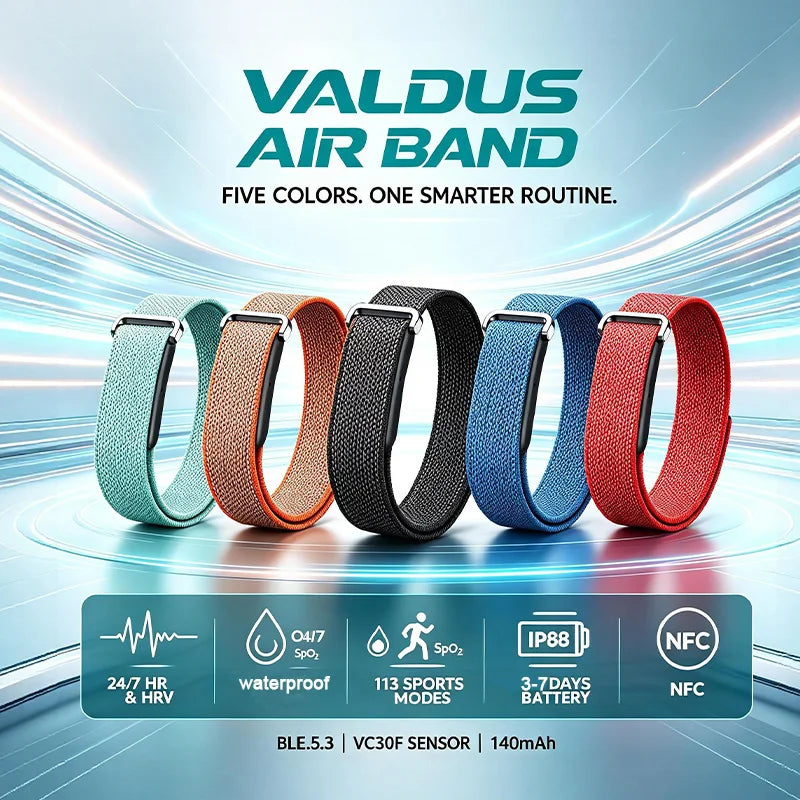
-Bluetooth: BLE 5.3 / BT 3.0
-Waterproof Rating: IP68 Waterproof
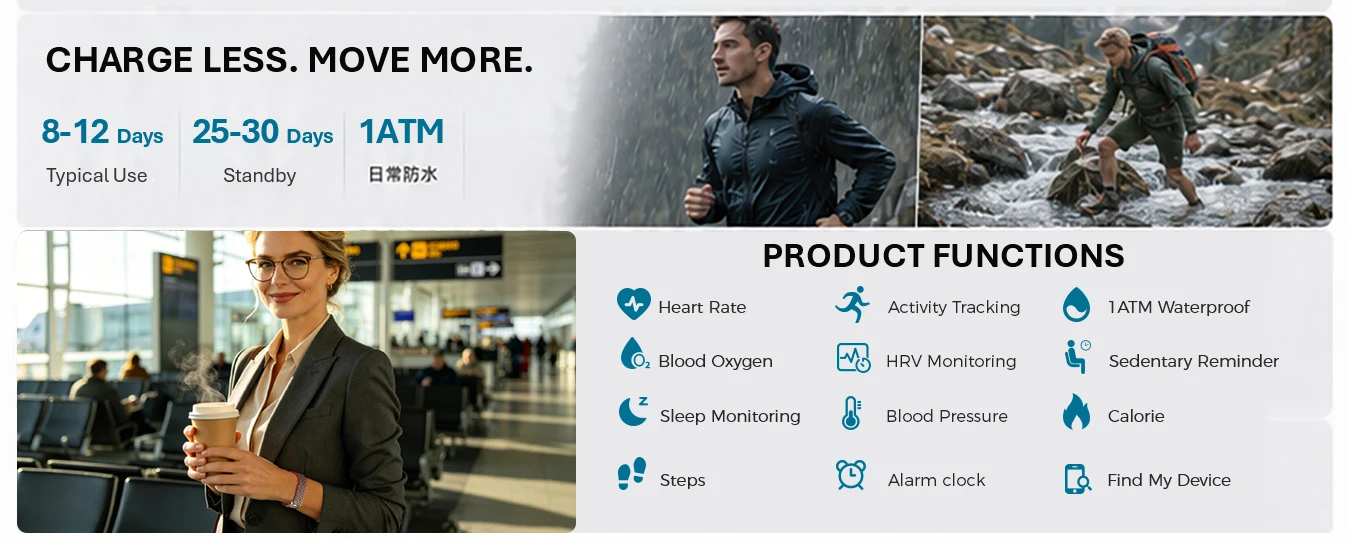
-Battery: Use for about 3-5days
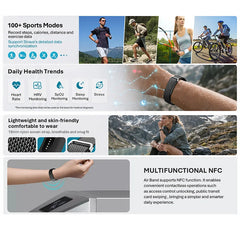
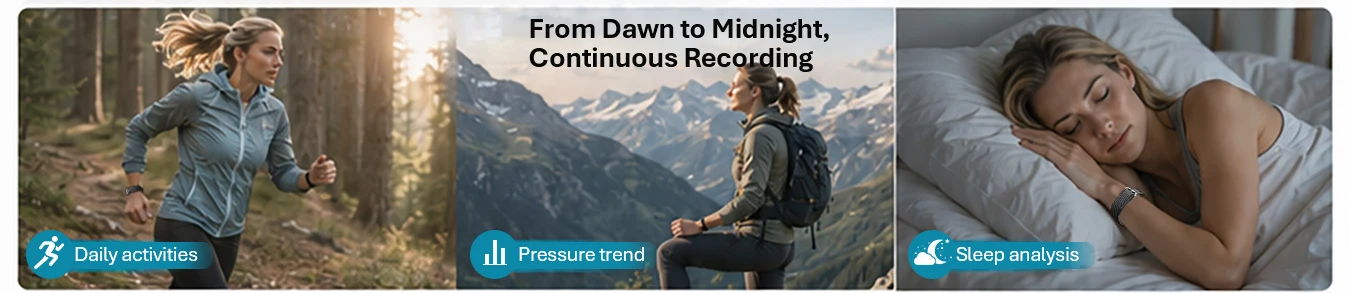
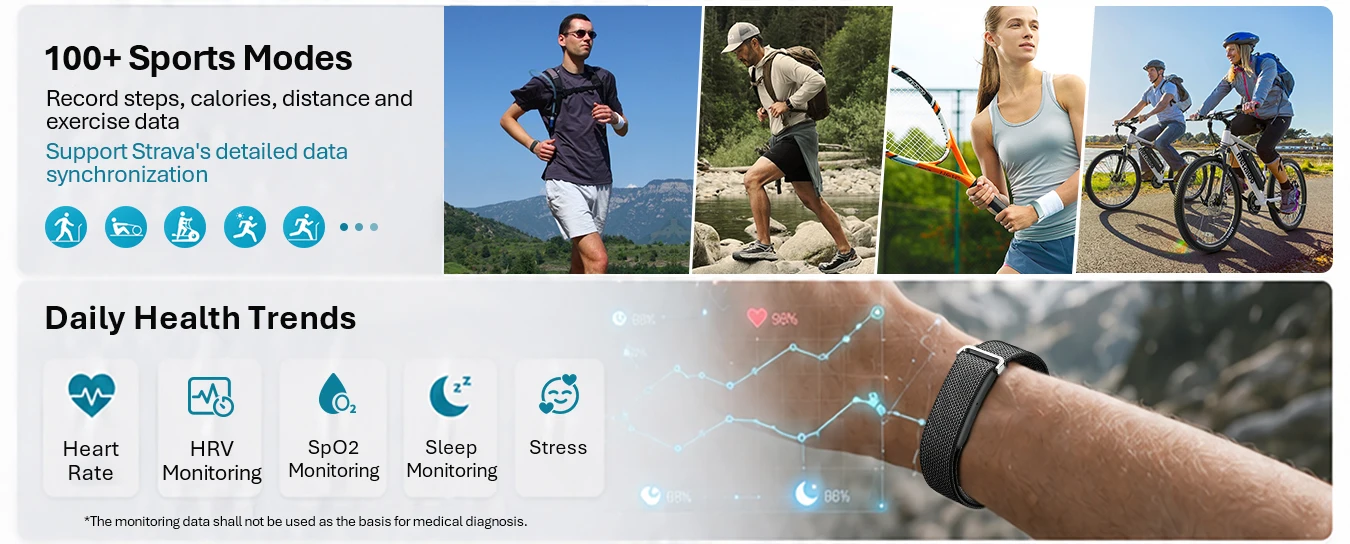
【Main Features】: NFC, Alarm clock, message phone reminder, step counter, sleep, blood pressure, blood oxygen, heart rate monitoring, 100+exercise mode, do not disturb mode
Health & Fitness Features:
- Heart Rate Monitoring | blood pressure monitoring
|blood oxygen monitoring
-Sleep Analysis | Women’s Health
-Step/Distance/Calorie Counting |Sit-reminder
Sports Modes:
-Pre-installed Modes (8):
Walking, Running, Hiking, Cycling, Basketball, Badminton, Football,skipping rope.
-Expandable via App (100+):
Tennis, Golf, Yoga, Gym, Dance, Baseball, Skiing, Rowing Machine, Free Training, etc.
App Compatibility:
- App Name: GloryFit
- Supported OS: IOS 9.0+ & Android5.0+
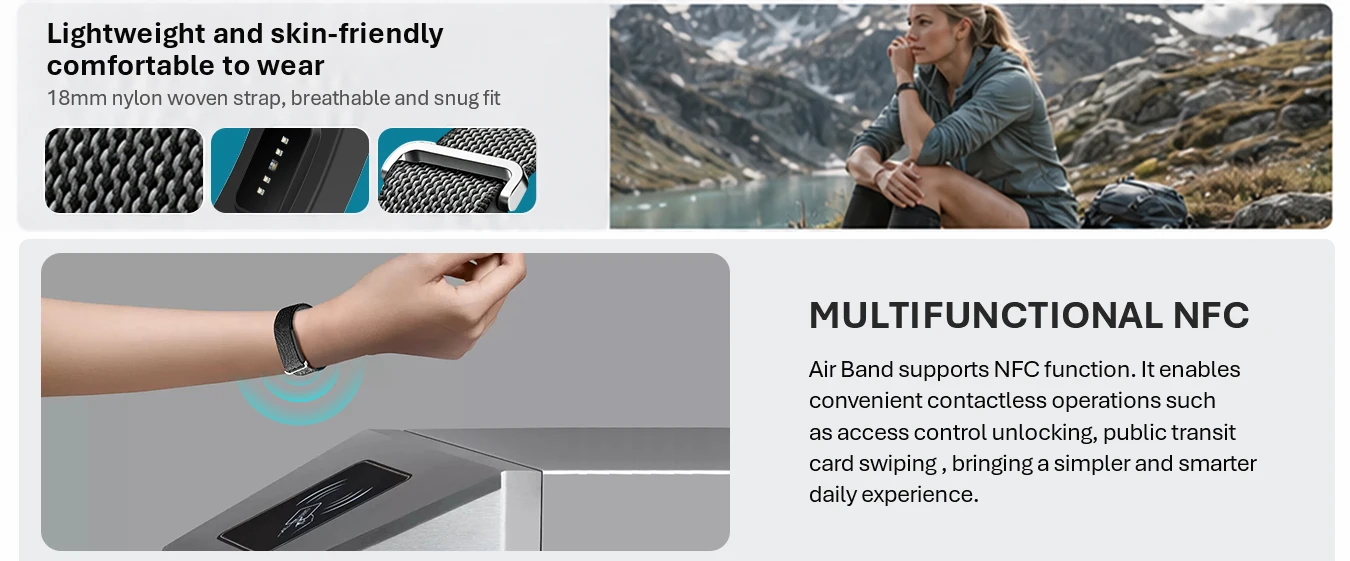
✅ No screen on the band. NFC function is NOT displayed in the App.
How to use NFC for your smart door lock:
1. Put your smart door lock into administrator mode for adding new NFC cards.
2. When the lock is ready to register an NFC card, hold this band against the lock’s NFC sensor position.
3. After successful registration, you may use the band to unlock your smart door lock directly.
> Note: This NFC function only works for compatible NFC‑enabled smart door locks. It cannot simulate bank cards, access cards or other non‑lock NFC devices.
Why do most customers choose this watch?
2. Multiple exercise modes, heart rate, calorie,sleep monitoring, fitness tracker.
3.Charge to power on, simple operation with no buttons required.
4.The metal buckle on the watch strap has a good texture and is more durable.(Other similar products on the market are plastic buckles with lower quality.)
5.More features, higher waterproof rating, NFC compatible.
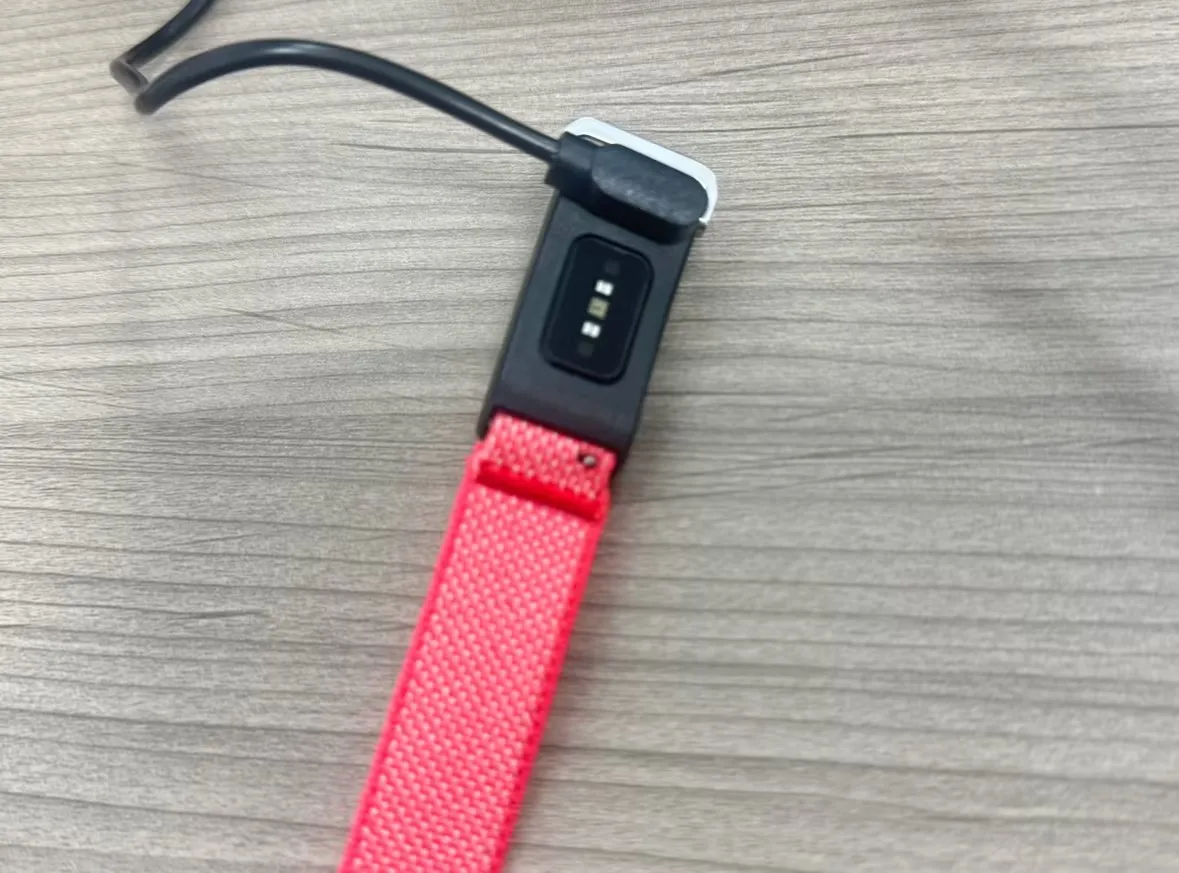
Note:It will not light up or vibrate during charging. (Please don't misunderstand that it doesn't charge or work) But you just need to let it charge for about 3 hours, it will automatically turn on, and then you can open the app to connect.
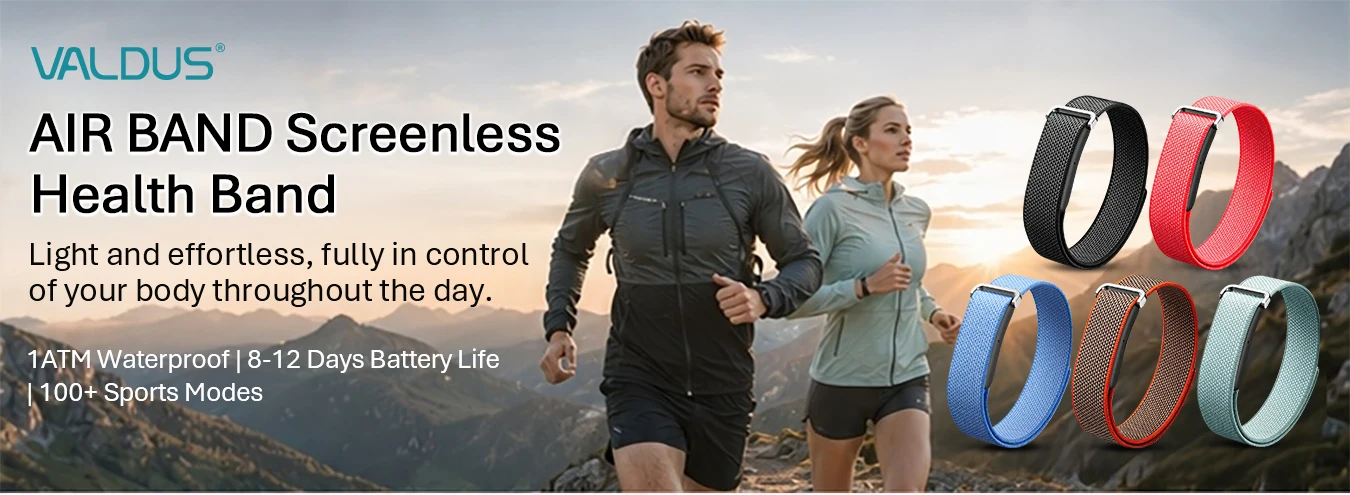

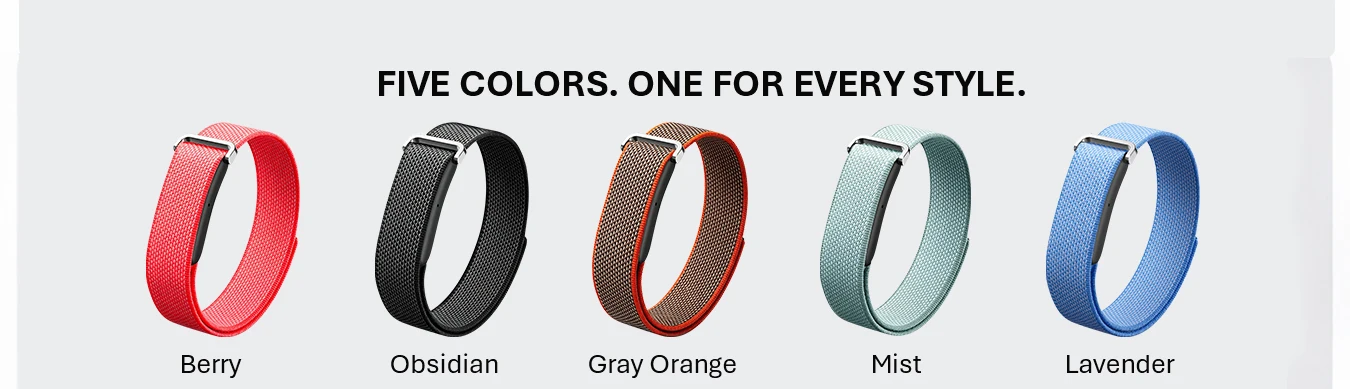
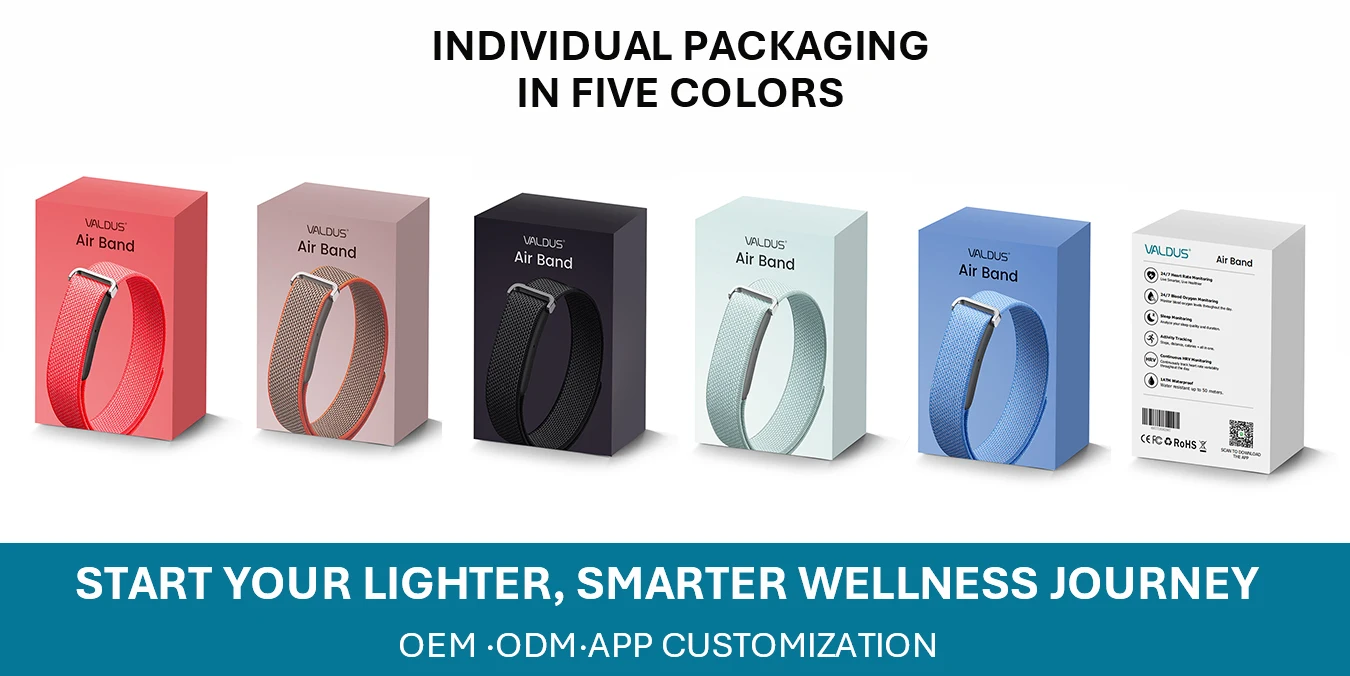
Compare Color
Related Products
Recently Viewed Products
- Choosing a selection results in a full page refresh.